Mini ClockGuru
CA$29.99 or US$21.99 per year, plus taxes. Full refund within 15 days of purchase, no questions asked.
Buy nowStart your free 4-week trial — just enter your email, no password needed.
Enter your license key to unlock the app. You'll find it in the email you received after your purchase.
Don’t have a key yet? Get one here New here? Watch the videos and buy
CA$29.99 or US$21.99 per year, plus taxes. Full refund within 15 days of purchase, no questions asked.
Buy nowStart your free 4-week trial — just enter your email, no password needed.

Choose how activities are set up for this student.
No PIN set — anyone can open Settings. Set one so only you can get in and change the schedule.
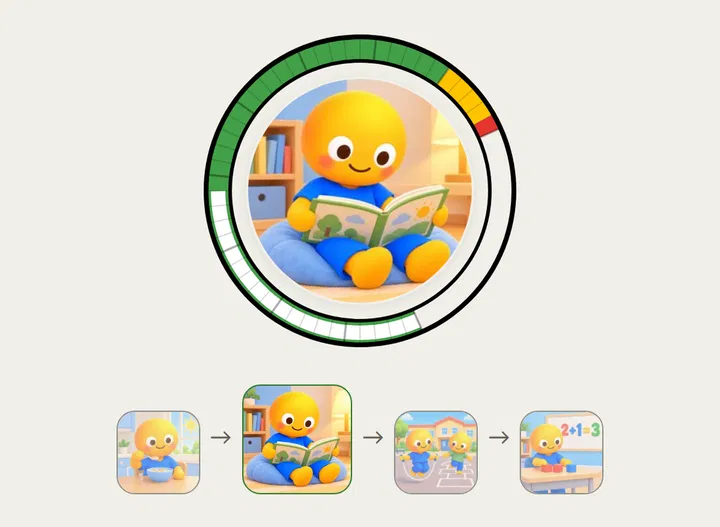
How much visual guidance shows alongside the ring — take it away gradually as the child gets more confident with time.
Mark a school break in advance so this reminds you to back up BEFORE it starts, not after.